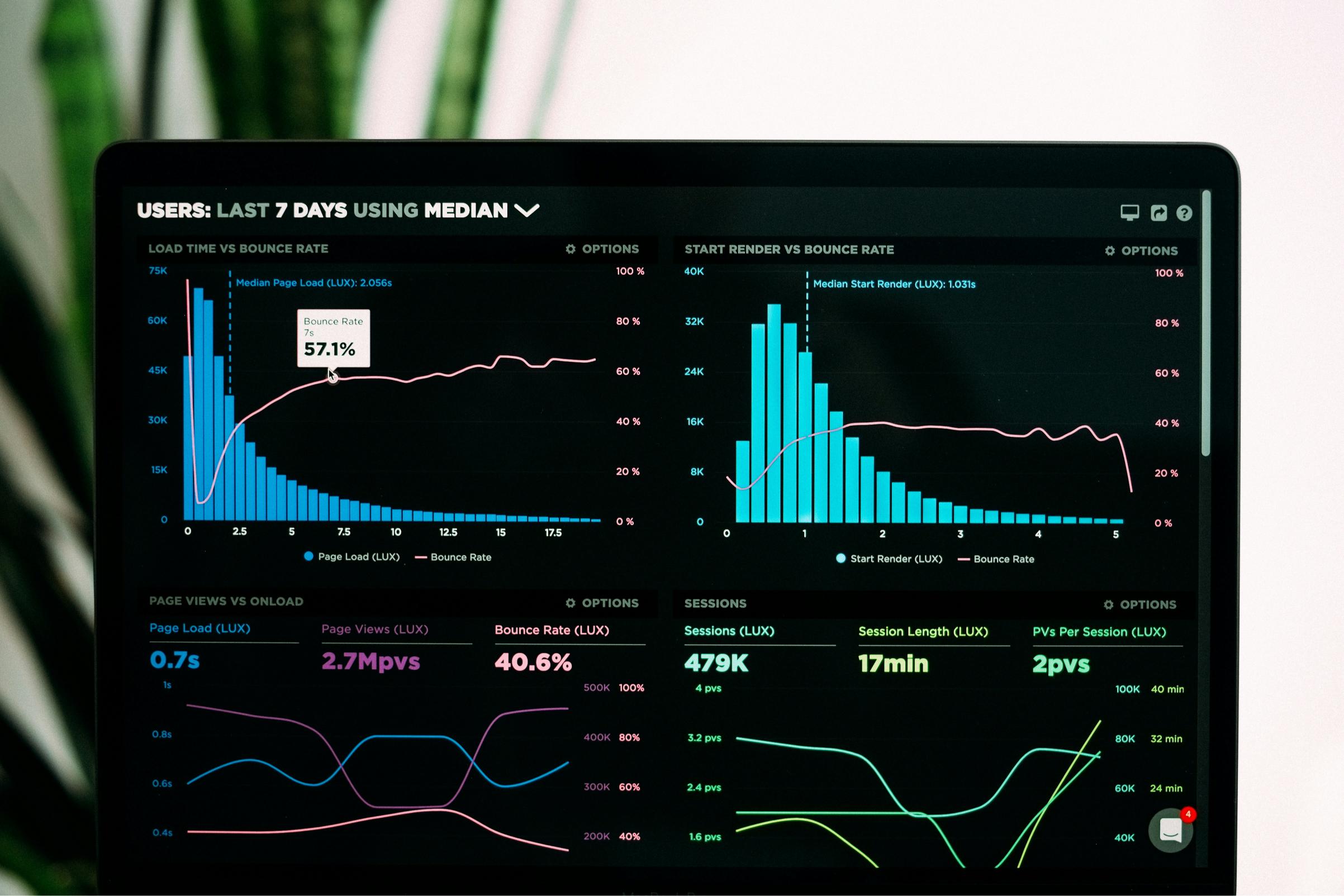
You can write the best content in the world, but if your website takes more than 3 seconds to load, Google will dump it on page 10. In 2026, user experience is the ultimate ranking factor. If you check your Google Search Console and notice thousands of impressions but zero clicks, a slow-loading website is often the hidden culprit.
When users click a link and face a blank loading screen, they hit the back button instantly. This destroys your Click-Through Rate (CTR). Let’s look at the real reasons why your website is slow and how developers can fix it today.
1. What are Core Web Vitals?
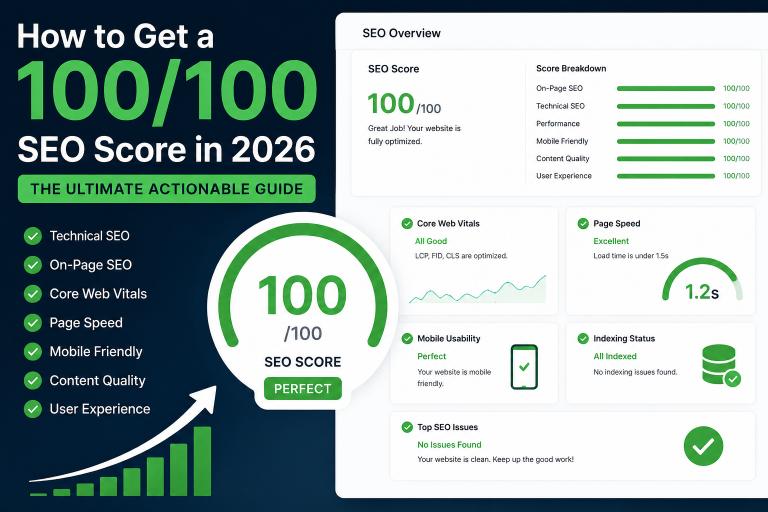
Core Web Vitals are a set of specific factors that Google considers important in a webpage's overall user experience. They focus on three main things:
- Largest Contentful Paint (LCP): How fast the main content loads. It should be under 2.5 seconds.
- Interaction to Next Paint (INP): How responsive your site is when a user clicks something.
- Cumulative Layout Shift (CLS): How stable the page layout is while loading.
2. Top Reasons Your Website Speed is Tanking
A. Unoptimized Images and Next-Gen Formats
Using raw PNGs or JPEGs is an SEO crime in 2026. Large images eat up bandwidth and slow down your server response time.
The Fix: Convert all images to WebP or AVIF formats. Use lazy loading so images only load when the user scrolls down to them.
B. Too Many Render-Blocking Scripts
If your website has heavy JavaScript or CSS files loading at the top of the HTML code, the browser stops rendering the page until those files are fully downloaded. This directly kills your LCP score, which is a major reason why your SEO score stays low.
The Fix: Defer non-essential JavaScript and minify your CSS files.
C. Poor Server Response (TTFB)
If your hosting or server takes too long to respond, your entire optimization process fails. This technical lag can even cause your automated tools to fail, leading to situations where your rank tracker stops working properly due to timeouts.
3. The Connection Between Speed and Zero Clicks
As we analyzed in our recent guide on how to fix zero clicks in Search Console, Google penalizes slow websites by lowering their average position. Even if you follow the ultimate 100-point SEO checklist perfectly, a slow page speed will hold you back from hitting Page 1.
How to Test Your Real PageSpeed Instantly
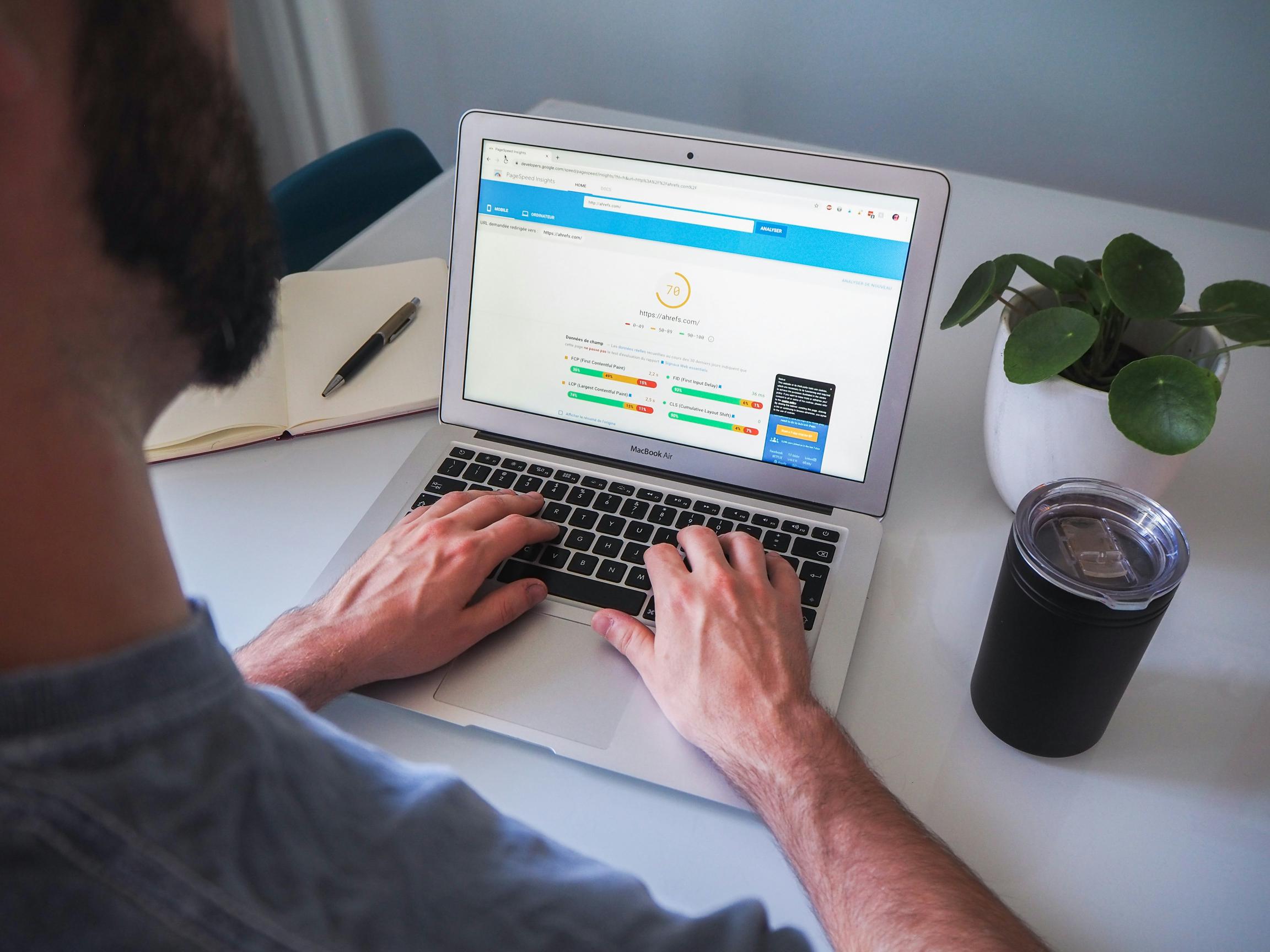
Don't rely on guesswork. You need to know exactly which script or image is slowing down your website. Use our real-time tool to get a full performance breakdown:
👉 Test Your Website PageSpeed Now
Conclusion
Fixing website speed is not a one-time job; it requires regular technical audits. Clean your code, optimize your media files, and monitor your Core Web Vitals to convert those ghost impressions into actual clicks.