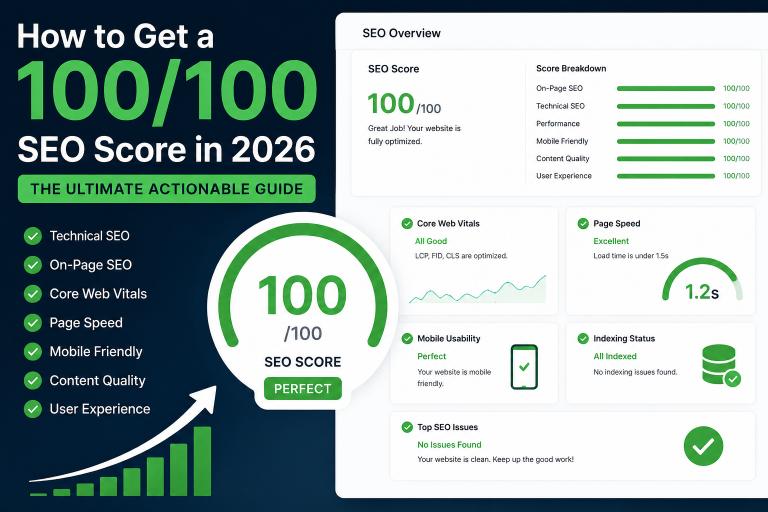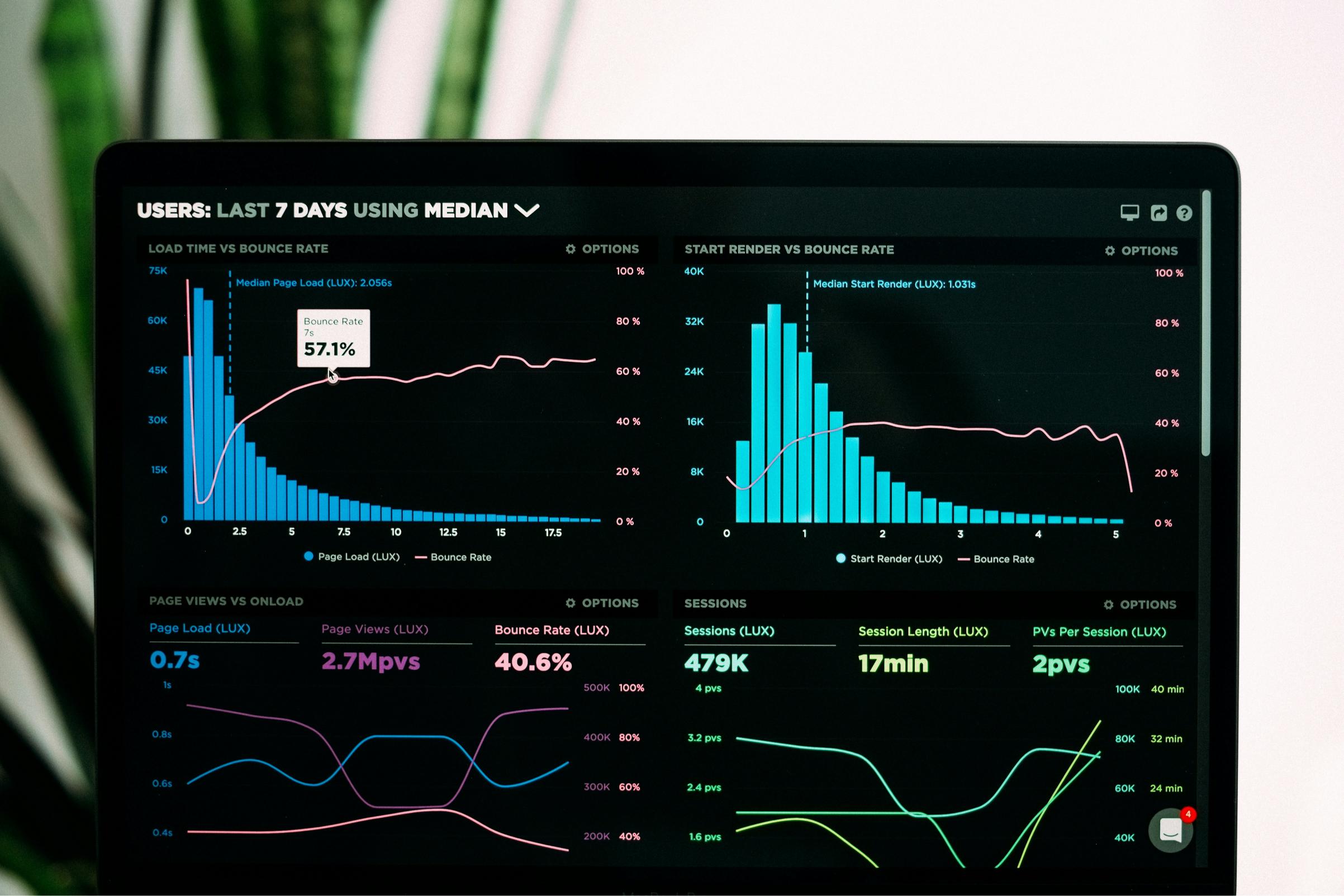
Every developer wants a 100/100 score on PageSpeed Insights, but is it practically necessary? In 2026, Google doesn't just look at a single number; it looks at real-world user experience metrics called Core Web Vitals. If your website feels fast to a real user, you don’t need to obsess over a perfect 100 score.
Let's break down what actually makes a website "fast" in Google's eyes and how you can optimize it without breaking your design.
What is a Good PageSpeed Score? Generally, a PageSpeed score between 90 and 100 is considered excellent, 50 to 89 needs improvement, and anything below 50 is poor. However, a site with an 85 score that passes Core Web Vitals can easily outrank a 95 score site that fails them.
Google prioritizes three main pillars:
-
Largest Contentful Paint (LCP): This measures loading performance. Your main content should load within 2.5 seconds.
-
Interaction to Next Paint (INP): This measures page responsiveness. When a user clicks a menu, the action should happen in less than 200 milliseconds.
-
Cumulative Layout Shift (CLS): This measures visual stability. Elements shouldn't jump around while the page is loading.
Why Your Score Drops (And How to Fix It)
-
Render-Blocking Resources: If your heavy CSS or JavaScript files load before the HTML, the browser freezes. Always defer your non-essential scripts. This technical lag is a major reason why your overall SEO score stays low.
-
Unoptimized Images: Uploading massive images will instantly crash your mobile score. Always use next-gen formats like WebP or AVIF and implement lazy loading.
-
Lack of Caching: If your server has to fetch data from scratch for every single visitor, your time-to-first-byte (TTFB) will remain high, making your rank tracker show unstable positions due to response timeouts.
The Impact on Your Clicks A slow website directly harms your visibility. As we analyzed in our previous guide on how to fix zero clicks in Search Console, high impressions mean people see your site, but if the loading spinner takes too long, they will bounce back to Google. No matter how perfectly you follow a 100-point SEO checklist, speed can make or break your traffic.
Test Your Real PageSpeed Instantly Stop guessing your optimization levels. Use our real-time analyzer to see exactly what script or image is slowing down your performance.
👉 Use Rankry's PageSpeed Checker Tool to get your technical report in 5 seconds.