Rank Tracker Not Working? 7 Fixes That Actually Work (2026 Guide)
If your rank tracker is not working, showing wrong rankings, or not updating keywords — you’re not alone.
Many website owners face issues where rankings don’t update or show incorrect data. In this guide, we’ll explain why this happens and how to fix it step-by-step.
Why Your Rank Tracker Is Not Working
- Keyword tracking delay
- Incorrect location settings
- Google personalization
- Tool limitations
- Indexing issues
7 Fixes to Solve Rank Tracker Issues
1. Check Location Settings
Rankings vary by location. Make sure your tool is set to the correct country and device type.
2. Use Incognito Mode
Google personalizes results. Always check rankings in incognito mode for accurate results.
3. Wait for Updates
Most tools update every 24–72 hours. Don’t expect instant updates.
4. Google Testing Phase
Your site may appear at different positions for different users. This is normal during testing.
5. Tool Limitations
Free tools often have delays or limited accuracy compared to premium tools.
6. Check Indexing
Make sure your page is indexed using:
site:yourdomain.com/page-url
7. Use Multiple Tools
Don’t rely on one tool. Use Google Search Console along with manual checks.
Pro Tip: Focus on Real SEO Metrics
Instead of relying only on rank trackers, focus on:
- Impressions
- Clicks
- CTR (Click Through Rate)
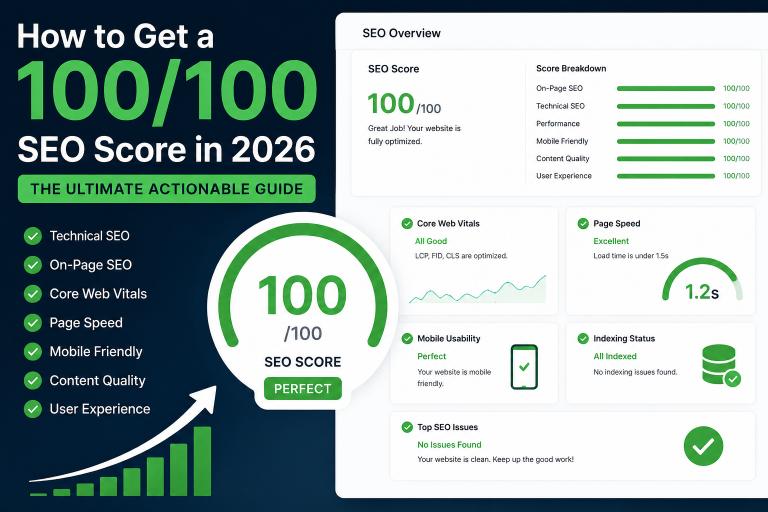
Check Your Website SEO Score
If your rankings are unstable, your website may have SEO issues.
👉 Check your SEO score for free
Final Thoughts
If your rank tracker is not working, it’s usually due to delay or data variation.
Focus on improving your website and tracking real performance metrics.
Keep optimizing. Rankings will follow 🚀